

Author's note: In January 2025, I wrote a memo to the FM Dashboard team sharing my thoughts on where software was going and what I wanted us to build. I wanted the team to understand what AI was making possible: software that could perform work our customers directed. This article expands on that memo and updates my thinking on software's role in an AI-native workplace.
"I don't want to use the AI in your software. I want my AI to use your software."
I shared this idea on LinkedIn back in September. When I first started using AI, I imagined a world where every app had AI baked into it. But over time, I noticed I didn’t even use it this way.
If you consider the history of software, it breaks down into three major stages:
- Moving from paper to a computer increased productivity because software could process and organize information faster than a person could on paper.
- Networking computers increased productivity because people could access and work on the same information or task.
- Moving software to the cloud meant even more people could access the same task and information at a much lower cost.
But since stage one, software has been more about where the work gets done rather than how it gets done. Those changes gave people better ways to do their jobs. I wanted us to think about how much of the job software could take on.
For a long time, we've been asking customers:
What are you doing every single day that software should do for you?
Claude Opus 4.5, released on November 24, 2025, was the first model that made this practical for me. I could give it a well-defined job across multiple applications and expect it to get the work done.
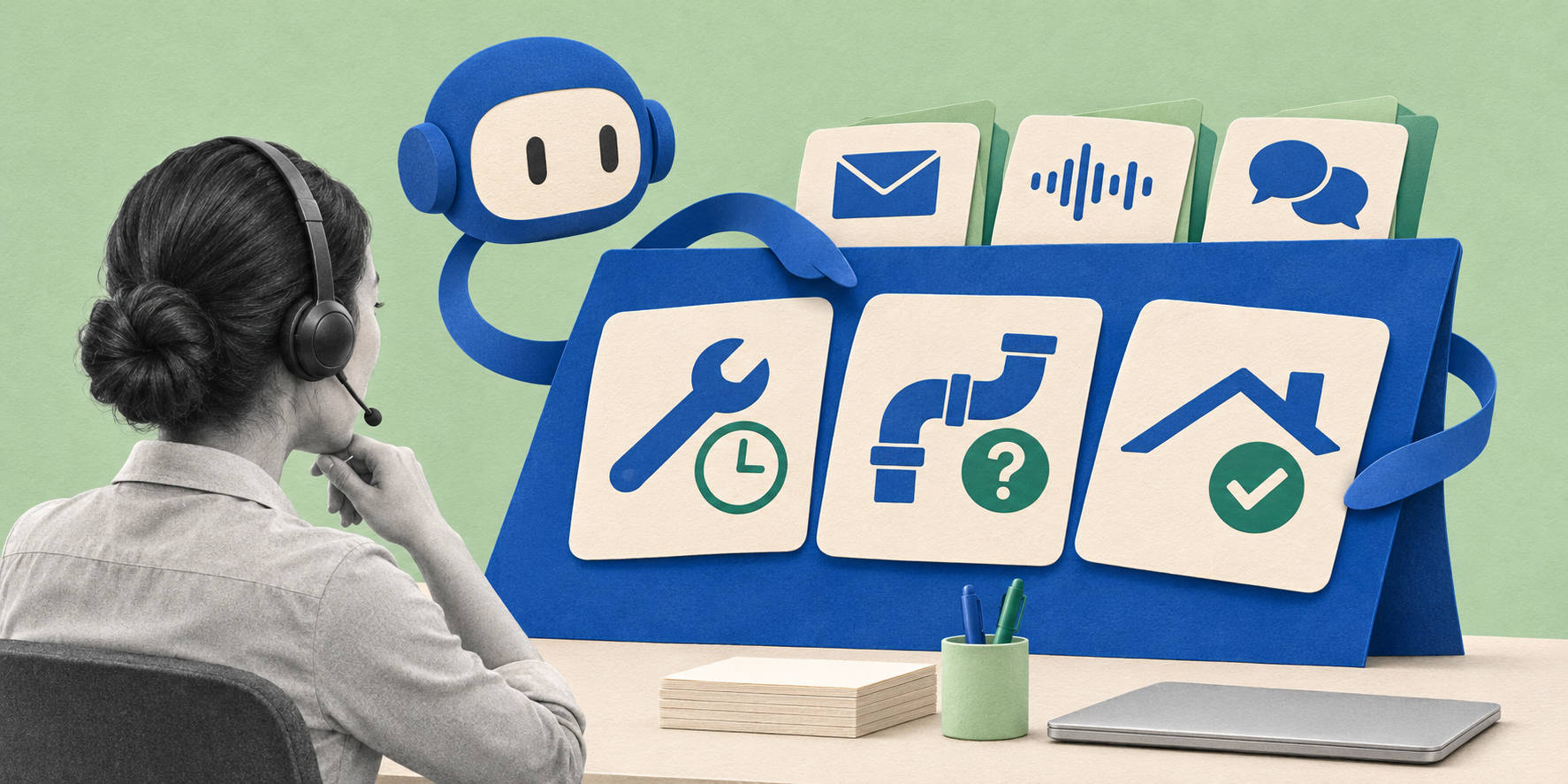
A new way of working
When I managed a facilities team, I asked them to follow up on every open work order every day. I wanted to catch the small things before they became emergencies.
Imagine sitting down at your desk to start your workday. You pull up a web browser, but instead of logging into your work order software, you open an AI chat window and type something like, "Catch me up on open work orders."
Since you've connected your AI to your email, work order management software, meeting recordings, and voicemail, it can read the work order, find the contractor's latest message, and check what was decided in a meeting. Your maintenance software is one of the tools it uses to understand the work.
Before recommending a follow-up, it checks whether the contractor has already responded somewhere else. Before suggesting a new work order, it looks for one that already covers the request. If two sources disagree, it brings that disagreement to you.
The briefing might look something like this:
Here's what needs your attention today.
Store 214 — HVAC: The work order still shows yesterday's arrival time. The contractor emailed this morning to say the replacement part arrives Thursday. I recommend updating the work order and letting the store know about the delay.
Store 87 — Plumbing: The contractor left a voicemail saying the repair is complete. The work order is still open, and I haven't found confirmation from the store. I recommend asking the store to confirm the repair before closing it.
Roof inspection: Yesterday's meeting included a request to schedule an inspection. There's already a work order assigned to a contractor for that request. I haven't found a reason to create another one.
Each item links to the work order and the related messages or meeting transcripts. You can also check how the AI reached its conclusion. For example, a contractor saying a repair is complete is different from the store confirming that everything works. If it misses that distinction, you correct the agent and ask it to save what it learned for next time.
Once the briefing has earned your trust, you might ask for it every weekday at eight. Now you start the day with the information ready to review. The routine checks what's changed since the last briefing and the things needing your attention.
If you’re like our customers, you might know what you’re looking at, but need help doing the work. So you start giving the agent more to do.
"If there is a missed ETA, check the notes for a newer response from the contractor. If there isn't one, send them a note asking for an update. If an ETA was missed more than 24 hours ago, please suggest backup vendors I can dispatch the work order to."
The next briefing includes the notes it sent, the work orders still waiting on a response, and suggested backup vendors for ETAs missed by more than 24 hours. You review the follow-ups and decide whether to dispatch a work order to a backup vendor. As you do this, you refine the instructions by finding the situations it handles well and the ones that still need your judgment.
You give it the conditions, the wording it can use, and the situations it should bring back to you. It keeps a record of what it did so you can review the work.
You can still require approval for other actions. A routine contractor follow-up might be something you're comfortable delegating, while changing a contractor or approving additional spending still comes to you. If the information conflicts or the situation falls outside the process you've defined, it asks. You decide how much responsibility to give it based on the work you've seen it perform.
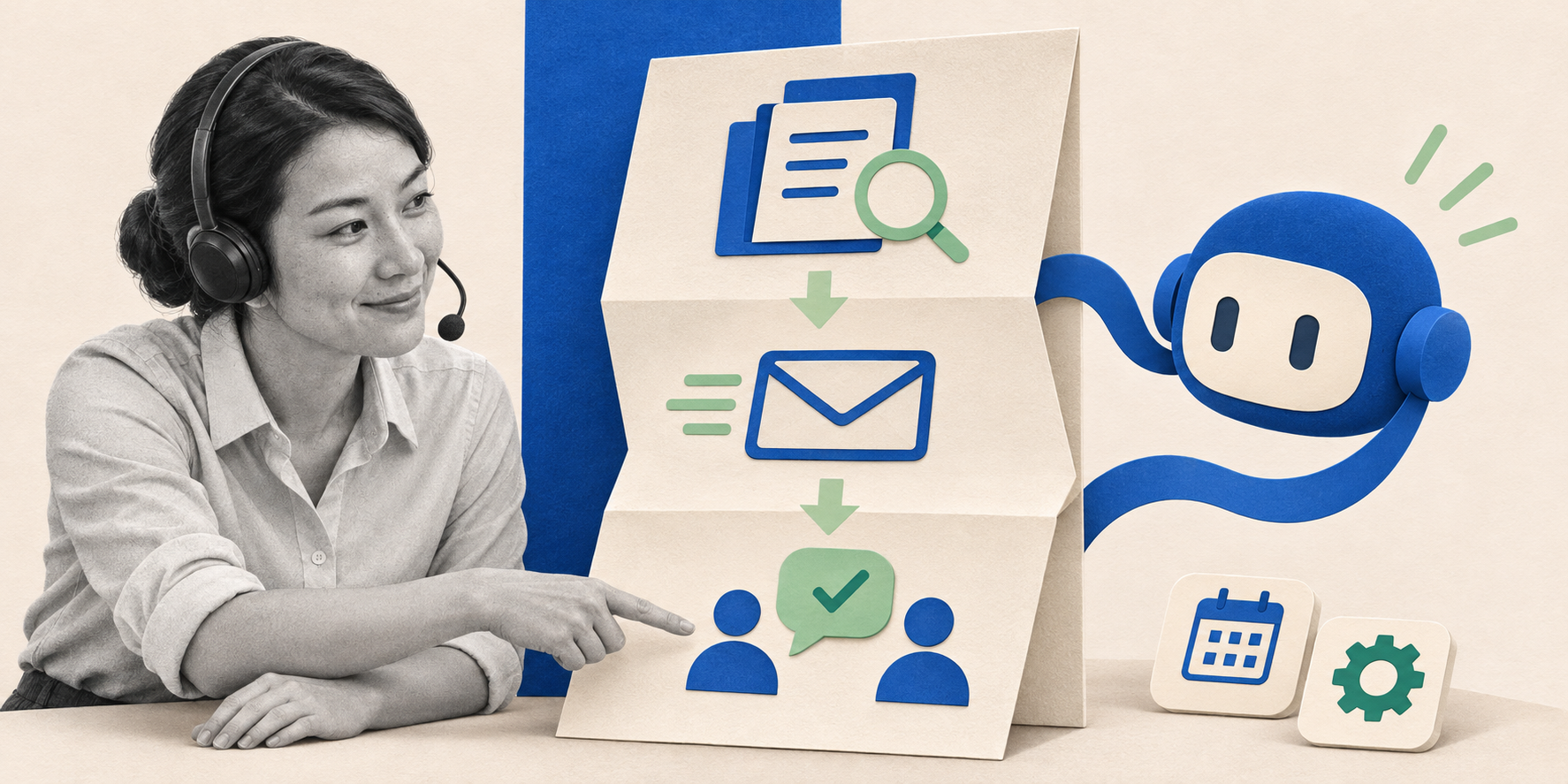
Make this work for you
For this to be effective, your work order management software must be available to your agent. It needs to be able to read work orders and notes, find contractor information, and perform the actions you've authorized.
The software around the AI model is sometimes called an agent harness. It brings together your instructions, rules, skills, and connections to other applications. Skills give the agent reusable instructions for particular jobs, and your rules tell it what it can do and when it needs to ask you.
Our COO, Justin, required people to document their processes before they got an agent. That gave us something to teach the agent and a way to check whether it performed the job.
One way software can provide that access is through an MCP connection, which lets an AI application discover and use the information and actions from another application. FM Dashboard's MCP connection currently works with Claude, ChatGPT, Grok Bot, Cursor, and Gemini. It makes FM Dashboard available as one of the tools your agent can use, within your permissions.
Imagine starting your day knowing your agent has checked the latest contractor responses, sent the authorized routine follow-ups, and prepared backup options for the work orders that need a decision. You can see what's moving, what's stuck, and where you need to step in.
This is already possible, and it's part of the future of AI-native facilities maintenance departments.